BLOG POST
Storm Season Website Checklist for Roofing Companies in Southwestern Ontario
2026-08-11

Storm Season Website Checklist for Roofing Companies in Southwestern Ontario
Late summer and early fall bring the highest storm activity of the year across Southwestern Ontario — wind, hail, and heavy rain that send homeowners straight to Google searching "roof leak repair near me" or "storm damage roofer Chatham-Kent" within minutes of the sky clearing.
That surge in demand is short, sharp, and almost entirely mobile. If your website isn't ready before the storm hits, you're not losing the lead slowly — you're losing it in the 30 seconds it takes a homeowner to scroll past a slow, confusing site to the next result.
Here's the checklist we run through with roofing clients before storm season, so the site is ready the moment demand spikes instead of scrambling to fix it mid-storm.

1. An Emergency Request Path That Works in Seconds
A homeowner with water coming through their ceiling isn't reading your About page. They need one obvious next step.
What this requires:
- A visible "Storm Damage? Call Now" banner or button on every page, not just the homepage
- Click-to-call phone number in the header that works instantly on mobile
- A short emergency form — name, phone, address, brief description — nothing that takes more than 30 seconds to fill out
- If you offer after-hours or weekend response, say so explicitly near the CTA
Test this yourself on your phone during a slow week. If you have to think about where to tap, a stressed homeowner during a storm won't get there either.
2. Speed That Holds Up Under a Traffic Spike
Storm-driven traffic often arrives all at once — an entire neighbourhood searching within the same hour after a bad system passes through. A site that's slow on a normal day can become nearly unusable under that load.
- Confirm your hosting can handle a traffic spike without slowing down
- Compress and properly size images, especially before/after storm damage photos
- Run a PageSpeed Insights check now, before storm season, not after you've lost leads to a slow load

3. Before/After Storm Damage Galleries
Homeowners assessing storm damage want to know what they're looking at and whether it's serious. Real photos of past storm repairs — missing shingles, hail dents, water intrusion, and the finished repair — build immediate trust and help homeowners recognize their own situation.
Organize these by damage type (wind, hail, water) rather than one generic gallery, so a homeowner can quickly find something that matches what they're seeing on their own roof.
4. Insurance Claim Guidance
A large share of storm-related roofing jobs go through home insurance. A short, clear page walking homeowners through what to do — document the damage, contact their insurer, get an inspection before making temporary repairs — positions you as the knowledgeable option before they've even called anyone.
This content also tends to rank well for searches like "does insurance cover roof storm damage Ontario," bringing in homeowners earlier in their decision process, before they've picked a contractor.
5. A Google Business Profile Ready for the Search Spike
Storm damage searches are almost entirely local-pack and Maps-driven. Your GBP needs to be current before the storm, not updated afterward.
- Confirm your service area and hours are accurate, including any emergency/after-hours availability
- Add recent project photos — Google now favours active profiles with fresh images and regular posts in its 2026 local ranking update
- Make sure your listed services explicitly include "storm damage repair," "emergency roof repair," and "roof inspection," not just "roofing"
- Respond to recent reviews — review activity and velocity are now weighed more heavily in local rankings than raw review count alone
6. Reviews That Speak to Storm Response
A five-star review that says "great work" is fine. A review that says "they had someone out within two hours after the storm and had our roof tarped before more rain hit" is what actually converts a stressed homeowner. When you request reviews after storm jobs, a quick prompt like "how did we do on response time?" tends to surface exactly the detail future customers are looking for.
7. Mobile-First, No Exceptions
The vast majority of storm-damage searches happen on a phone, often standing outside looking at the roof. Confirm:
- No horizontal scrolling on any page
- Tap targets (phone number, CTA buttons) are large enough to hit accurately
- Forms are short enough to complete one-handed
- Text is readable without zooming
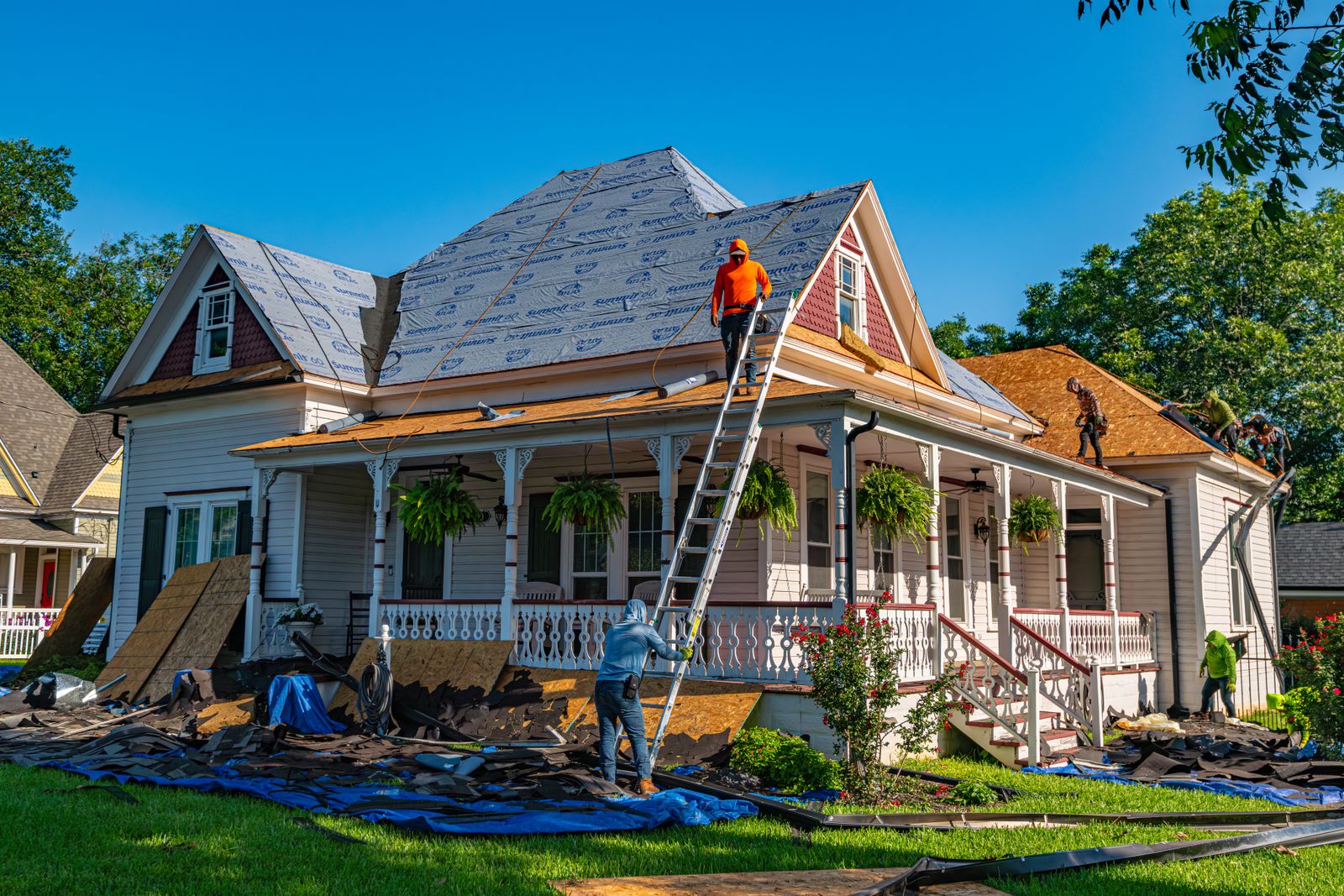
Storm Season Readiness Checklist
| Item | Why It Matters | Ready? |
|---|---|---|
| Visible emergency CTA on every page | Captures the lead before they scroll to a competitor | Yes/No |
| Site tested for speed under load | Storm traffic spikes all at once | Yes/No |
| Before/after storm damage galleries | Builds trust and helps homeowners self-identify damage | Yes/No |
| Insurance claim guidance page live | Captures homeowners early, before they pick a contractor | Yes/No |
| GBP updated with storm-related services and photos | Storm searches are overwhelmingly local-pack driven | Yes/No |
| Recent reviews mentioning response time | Speed is the deciding factor for storm-damage customers | Yes/No |
| Mobile experience tested on an actual phone | Most storm searches happen standing outside, on mobile | Yes/No |
FAQ
-
How much does storm damage search volume actually increase? Search interest for terms like "roof leak repair" and "storm damage roofer" spikes sharply in the hours and days immediately following a storm system, then tapers off — meaning the businesses ready before the storm capture a disproportionate share of that short window.
-
Should storm damage have its own page, or is a mention on the homepage enough? A dedicated page performs better. It gives you room for insurance guidance, damage-specific galleries, and a clear CTA, and it can rank independently for "storm damage roofer [your area]" searches year-round, not just during an active storm.
-
Does Google Business Profile really matter more than the website for this? Both matter, but a large share of storm-damage searches never leave the Maps/local pack, meaning your GBP is often the first — and sometimes only — thing a homeowner sees. An outdated profile costs you leads your website never gets a chance to convert.
-
What's the single highest-impact fix before storm season? The emergency CTA and mobile experience. Even a beautifully designed site loses the job if a stressed homeowner can't find your phone number in five seconds on their phone.
Key Takeaways
- Storm-driven roofing leads arrive in a short, sharp window and go to whoever responds fastest and is easiest to reach
- A dedicated storm damage page with insurance guidance captures homeowners earlier in their decision process
- Google Business Profile updates matter as much as the website itself, since most storm searches stay in the local pack
- Reviews mentioning response time convert better than generic praise for this specific type of lead
- Test your site on an actual phone — that's how nearly every storm-damage lead will find you
Ready for Storm Season?
We build roofing company websites across Southwestern Ontario designed to convert exactly this kind of urgent, mobile, local search — plus the Google Business Profile and local SEO work that gets you found in the first place.
Book a free discovery call and we'll run your current site through this checklist with you.
Check out our roofing web design service or our local SEO services to see what's included.
<!-- schema -->